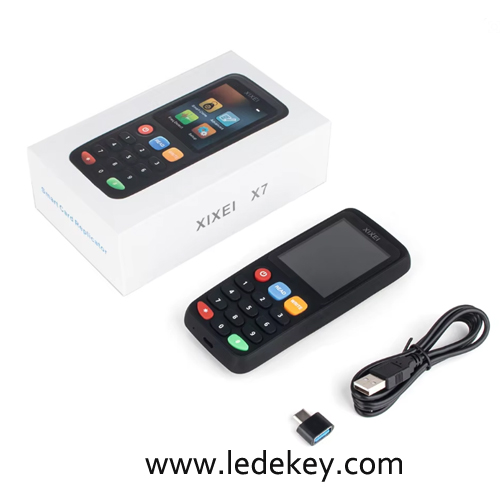
The XIXEI X7 is a handheld multi-frequency RFID and NFC card reader, writer, and copier.
Key Specifications & Features
• Supported Frequencies: 125KHz, 175KHz, 250KHz, 300KHz, 375KHz, and 500KHz (Low-Frequency/LF ID cards), as well as 13.56MHz (High-Frequency/HF IC and NFC cards).
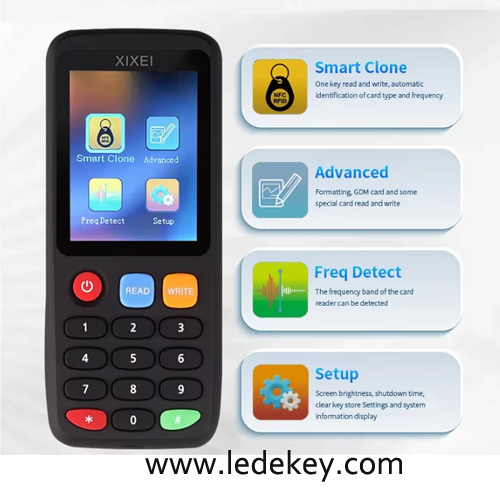
• Hardware: Equipped with a 240 x 320 RGB color LCD screen, a numeric keypad, dedicated "READ" and "WRITE" buttons, and a USB-C port for charging and data transfer.
• Core Features:
• Smart Clone mode
• Automatic frequency detection
• Advanced operation menu
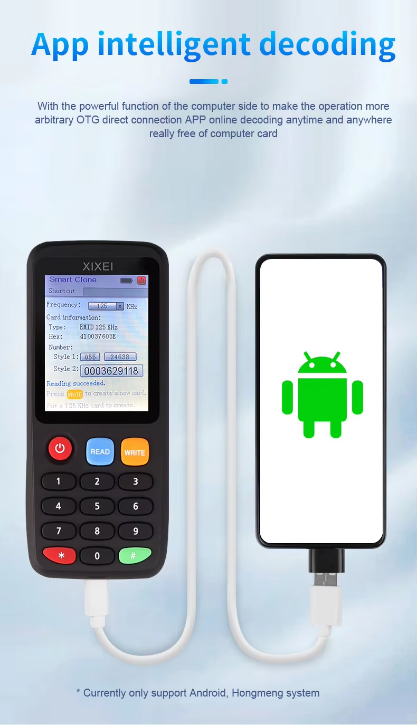
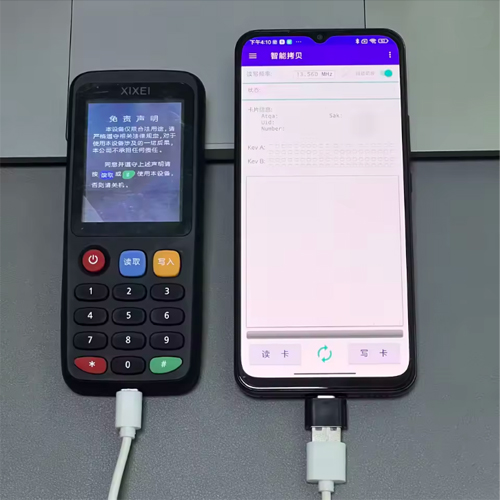
• Supports connection to a PC for use with the official nfcPro software (Windows x86/x64) for decoding or card management.
XIXEI X7 Quick English User Guide
1. Product overview
Model: XIXEI X7
Type: Portable RFID/NFC smart card reader, writer and cloner
Interfaces: Type-C charging/connection port
Sensing area: usually on the back of the device
Buttons: Power, switch, Read, Write, numeric keys 0–9, *, #
Battery: built-in lithium battery, charged via 5V Type-C cable
2. Power on / charge
Press the power button to turn on.
Long-press the power button to turn off.
Charge with a Type-C cable; a lightning icon appears when charging.
3. Clone a normal ID or IC card
Place the original card on the sensing area.
Press READ.
Wait for “Read Success”.
Remove the original card.
Place a blank copy card of the same type/frequency.
Press WRITE.
Wait for “Write Success”.
Supported examples:
ID cards: 125 kHz, EM4100, TK4100
IC cards: 13.56 MHz, MIFARE Classic 1K/4K
Some HID/AWID cards, depending on card type and region rules
4. Write by card number
Enter the card number using the numeric keys.
Select the correct frequency/card type.
Place the blank copy card on the sensing area.
Press WRITE, then confirm.
Note: encrypted IC cards and some HID formats cannot be cloned by number alone.
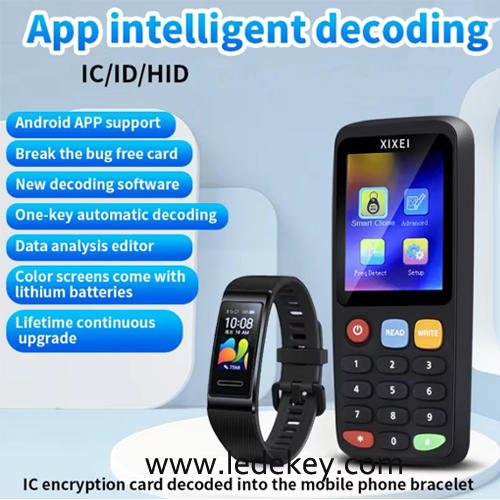
5. Clone encrypted IC cards
Connect X7 to a Windows PC with the official software.
Place the original encrypted card on the sensing area.
Click Start Decode in the software.
After decoding, place a UID/CUID-compatible copy card.
Click Write Card.
Software and support page:
http://www.xixei.com/
6. Format IC card
Go to Advanced → Format.
Place the IC card on the sensing area.
Press READ.
Press # to format.
7. Reset if frozen
If the device freezes, use a needle to press the small reset hole.
8. Important notes
Use copy cards matching the original frequency and chip type.
Encrypted sector cards usually require PC decoding first.
Only duplicate cards you own or are authorized to copy.
Unauthorized cloning of access-control credentials may be illegal in your area.
The step to creat an account to see our products price and shopping: